
Connect
Connect in seconds. Sign in to many tools with one click. Any tool with an MCP server connects too.
- One click sign in
- Any MCP server
- Encrypted in transit and at rest
Connect your cloud, observability, databases, code and on-call tools. Halon and your agents use them to work through an incident, and you decide what they may change.
14 days free, then $99 a month per workspace. Nobody on the team needs a seat.
Connect a tool once. From then on, every call to it follows your rules.
Connect
Choose
Govern
Not listed? Connect any MCP server and choose what it may do.
Where your apps run, and what you can change there
 AWS
AWS  Azure
Azure  Cloudflare
  Convex
  DigitalOcean
  Fly.io
  Google Cloud
  Kubernetes
  Modal
Modal  Netlify
  Northflank
  Railway
  Render
  Trigger.dev
  Vercel
 Logs, metrics, traces and errors for investigations
 Axiom
Axiom  Better Stack
  Datadog
  Grafana
  Honeybadger
  Honeycomb
  Logfire
  New Relic
  OpenStatus
  Sentry
  SigNoz
 Who is on call, and the alerts and incidents paging them
 Opsgenie
  PagerDuty
 What your customers see about an incident or planned work
 Instatus
  Statuspage
 Who an incident reaches, what they saw, and the feature flags behind it
 Mixpanel
  PostHog
 Your data and how it is set up
 ClickHouse
  Neon
Neon  PlanetScale
  PostgreSQL
  Supabase
  Tinybird
  Turso
Turso  Upstash
 Correlate incidents with what shipped
 Azure DevOps
  Bitbucket
  GitHub
  GitLab
 Builds, tests and their logs, and rerunning them
 CircleCI
 Agents that write a fix's code change and open the pull request
 Cursor
  Devin
Devin  Factory
 Tickets and follow-up work tied to incidents
 Jira
Jira  Linear
 Runbooks and documentation as context
 Confluence
  Notion
 Anything with an MCP server
 Custom MCP server
 Every connected tool in one place. Turn any connection off in one click.
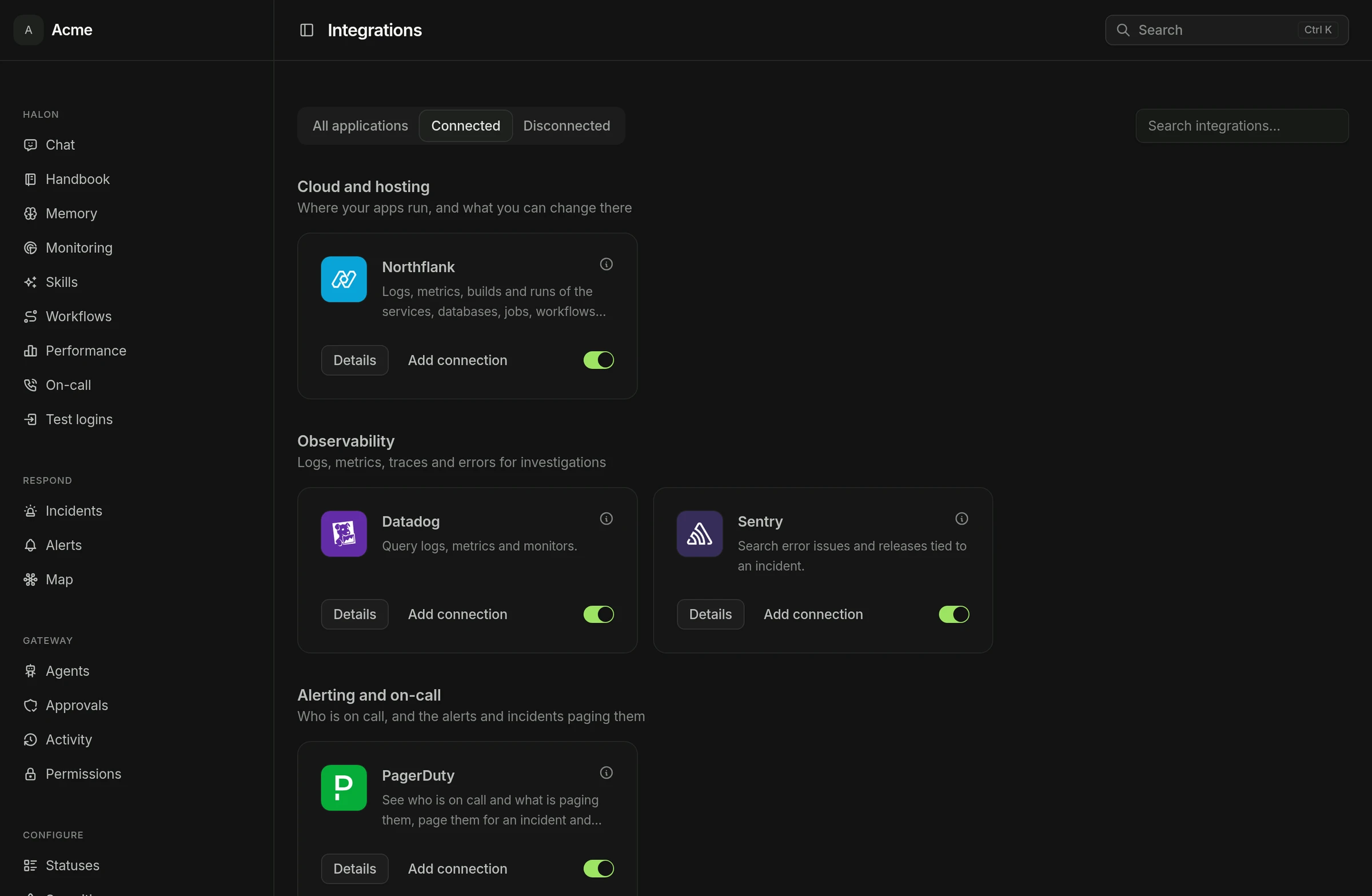
Separate environments, multiple accounts, and a clear view of what runs where.
Give production and development their own credentials, so each gets only the access it needs.
Connect two GitHub organizations or two cloud accounts, each under its own name.
What your clouds, hosts, databases and code hosts run appears on the resource map, each item linked to its page at the provider.
When Halon reads metrics, you see the charts under its answer, in the dashboard and in Slack.
Protect paths such as .github/workflows/ on each GitHub, GitLab, Bitbucket and Azure DevOps connection. Halon's code changes stay out of them.
Each connection shows whether it is healthy, with the error when it is not.
Sign in with Slack, then connect your first tool in a click.
Sign in with Slack14 days free, cancel whenever you like. Or run it on your own servers.